Best Monitor for CS2
The monitors CS2 pros actually run, ranked by live usage data from cs2pedia's pro dataset, plus why the field still hasn't moved off ZOWIE TN panels, and what to buy for your budget.
The monitor market in 2026 has 480Hz OLEDs and 540Hz IPS panels on shelves, displays that, on paper, are faster and far better-looking than anything the competitive scene grew up on. The CS2 pro field has almost entirely ignored them.
The table below is computed live from cs2pedia’s dataset, and it shows one brand on one panel technology owning the room: nearly the entire field still runs a ZOWIE TN monitor with backlight strobing, not the shiny OLED on the next shelf over. That gap between what’s available and what pros actually use is the whole story of this guide.
What the Pro Data Actually Shows
The first thing to notice is how lopsided this is. In most gear categories like mice and keyboards, the top brands are within a few points of each other and the field is genuinely split. Monitors aren’t like that.
ZOWIE doesn’t lead the field so much as it is the field; every other manufacturer combined is a rounding error against it. The top entries are all the same lineage of ZOWIE XL panels, separated mostly by which generation a player happened to be issued.
Two forces produce that.
- Sponsorship. ZOWIE (BenQ’s esports brand) supplies the monitors at nearly every tier-one LAN, so the display a pro trains and competes on is frequently a contract detail, not a free choice. That’s the honest caveat, and we’ll come back to it.
- DyAc. The second force is real and technical, and it’s the reason the sponsorship stuck: ZOWIE’s “Dynamic Accuracy” backlight strobing, which flashes the backlight in sync with each frame to cut the motion blur your eye perceives during fast horizontal flicks and spray transfers.
On a sample-and-hold panel, a moving target smears across your retina between refreshes; strobing collapses that smear. For tracing a running opponent or reading a spray pattern, the difference is visible in a way a spec sheet doesn’t capture. That’s the genuine differentiator, and it’s why the field hasn’t simply followed the highest refresh number.
Why Pros Haven’t Moved to OLED Yet
It would be wrong to tell you OLED is a gimmick. It isn’t. A modern QD-OLED running 360Hz with a 0.03 ms pixel response, or an LG UltraGear pushing 480Hz, genuinely beats a TN panel on response time, contrast, and color, and the response figure is no longer where TN wins. So why is the pro field still on TN?
Three reasons, in order of how much they actually matter:
- Motion clarity vs. raw response time. OLED’s near-instant pixel response is excellent, but it’s still sample-and-hold: the image holds static between refreshes, which is exactly the source of perceived motion blur that DyAc strobing exists to kill. Without a backlight to strobe (OLED has no backlight), OLEDs need their own black-frame-insertion tricks to match the perceived clarity of a strobed TN, and those come with brightness and flicker tradeoffs. The fastest pixels don’t automatically win the motion-clarity fight.
- Burn-in at tournament volume. A pro stares at a near-static HUD (radar, ammo, scoreboard) for six to ten hours a day, every day. That’s the worst-case workload for OLED’s static-element retention. For a normal player it’s a non-issue at modern panel maturity; for a player whose monitor is on a HUD all day, it’s a real institutional reason to stay TN.
- Ecosystem and inertia. ZOWIE’s pro-config ecosystem (the on-monitor settings switch, the fixed feature set players already have dialed in, the fact that the LAN monitor will be a ZOWIE so you’d better practice on one) is a strong lock-in. Add the sponsorship money and you have a field with little reason to experiment.
None of that means you shouldn’t buy OLED. It means the pro data reflects a competitive-stability calculus that doesn’t fully apply to a player buying one monitor for one desk. We’ll give you the OLED route below and be honest that it isn’t pro-validated.
Key Specs Before Buying
Most of a monitor spec sheet is irrelevant to competitive CS2. A handful of things actually move the needle:
- Refresh rate. This is the single biggest lever. The current pro sweet spot sits at 360Hz, high enough that the frame cadence stops being the bottleneck, and well-supported by hardware most competitive players already own. 540Hz and faster panels are emerging and the field is starting to adopt them, but the jump from 240Hz to 360Hz is far more felt than 360Hz to 540Hz. Below 240Hz at this budget tier, you’re leaving the most important advantage on the table.
- DyAc / backlight strobing. Covered above. This is the feature that keeps the pro field on ZOWIE TN, and it’s worth understanding before you decide a higher refresh number alone is what you’re buying.
- Resolution. Pros stay at 1080p, and not because they can’t afford 1440p. Lower resolution is easier for the GPU to drive at extreme refresh rates, the smaller pixel count keeps frametimes stable, and many players use stretched or 4:3 resolutions anyway, where 1440p’s extra pixels buy nothing. 1440p is a productivity and single-player upgrade, not a competitive one.
- Response time. Once you’re on any current high-refresh gaming panel, response time is effectively solved: TN, fast IPS, and OLED all clear the bar where it stops mattering for play. Don’t let a tenth-of-a-millisecond response figure decide your purchase.
- Panel technology. Here’s the spec advice that’s genuinely changed: the old “always buy TN for competitive” rule is no longer automatic. IPS has closed the response-time gap that used to disqualify it, so a fast IPS panel is now a legitimate competitive choice rather than a compromise. You get better color and viewing angles without the response penalty that existed a few years ago. TN still holds two narrow advantages: it’s cheaper at a given refresh rate, and it’s the technology ZOWIE’s DyAc strobing is built around. The honest framing is panel-by-panel, not a blanket rule.
The Best Monitors for CS2 (Our Picks)
These picks are tiered to a buying scenario, not just ranked. Where a pick has a clean retail page we link it directly; where the affiliate map only resolves to a search, we say so and frame it as a “check availability” pointer rather than a hard buy button, the same honesty the rest of the site runs on.
ZOWIE XL2566K: The Pro Standard
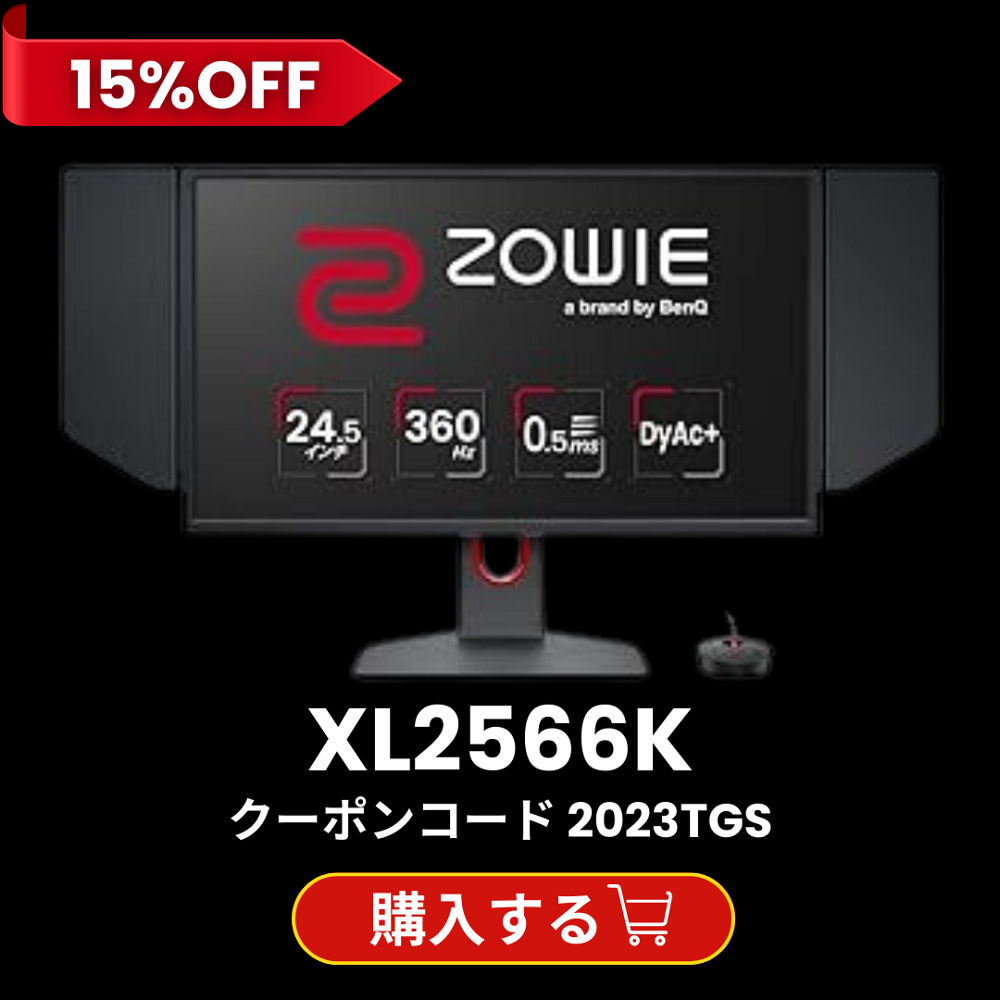
ZOWIE XL2566K
The most-used monitor in the dataset. 360Hz TN panel with DyAc 2 (current-generation backlight strobing), 1080p. What the field actually runs.
The most-used monitor in the dataset, and the safe default if you want exactly what the field runs. It’s a 360Hz TN panel with DyAc 2 (ZOWIE’s current-generation backlight strobing), 1080p, and the on-monitor settings ecosystem pros are already trained on. If your goal is to practice on the same display you’ll face at a LAN and you don’t want to think harder than that, this is the answer; it leads the usage table by a wide margin.
ZOWIE XL2546K: The Value Pro Pick
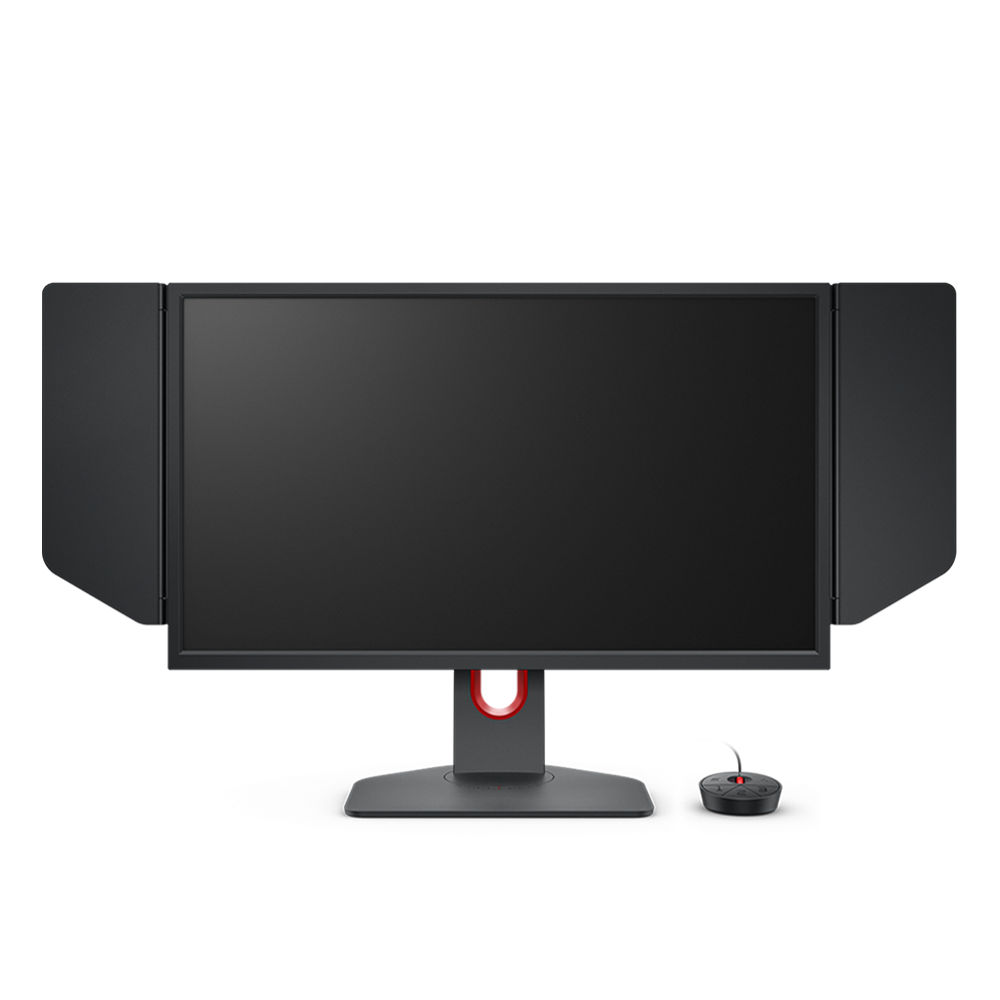
ZOWIE XL2546K
Prior-generation DyAc standard: 240Hz TN, still one of the two most-used monitors in the field. Same motion-clarity DNA for less now that the XL2566K is out.
The prior-generation DyAc standard, and still one of the two most-used monitors in the entire field. It’s a 240Hz TN panel with the older-generation DyAc, the display a huge slice of the current roster built their careers on before the 360Hz models arrived. At 240Hz it gives up refresh-rate headroom to the XL2566K, but it carries the same motion-clarity DNA at a friendlier price now that it’s a generation back.
ZOWIE XL2586X+: The Highest-Refresh Pick
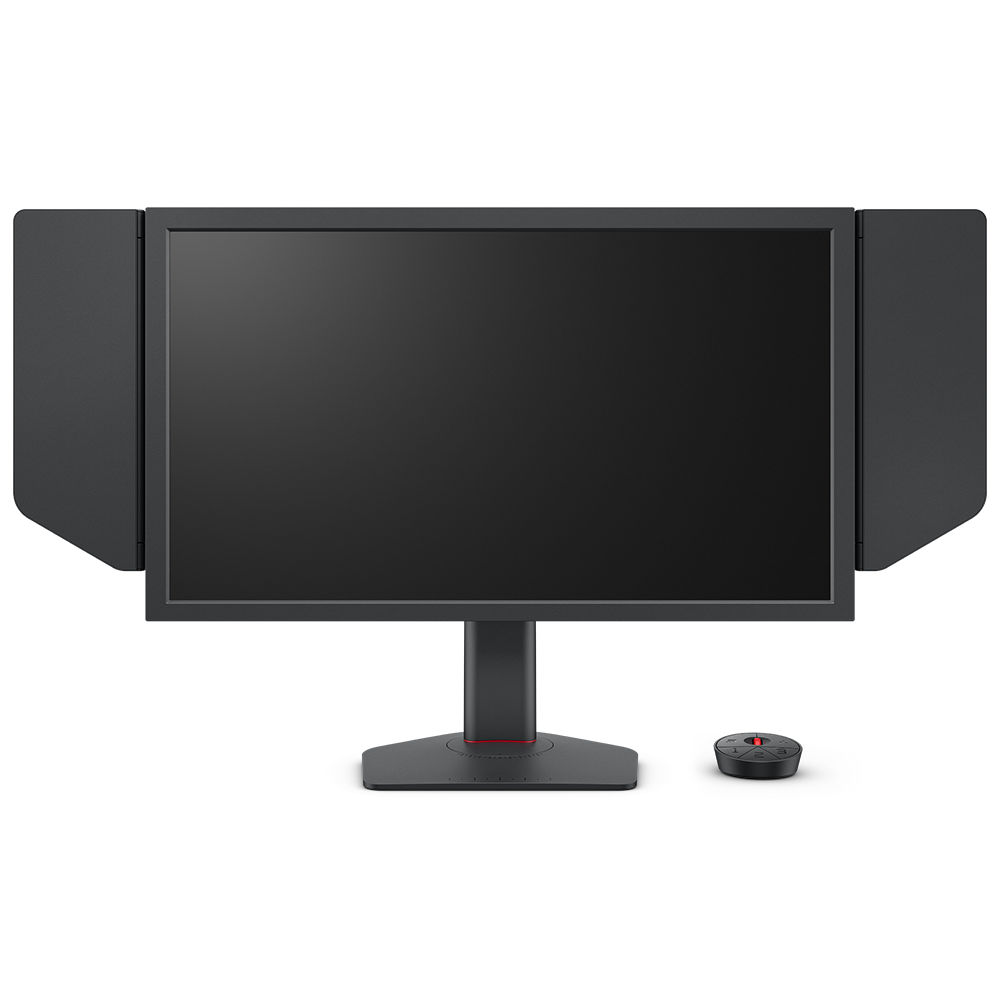
ZOWIE XL2586X+
Newer high-refresh TN with DyAc, adoption curve pointing up. The pick if you have the hardware to drive frames well past 360Hz and want a monitor that won't be the bottleneck for years.
For players chasing the top of the refresh ladder. This is a newer high-refresh TN with DyAc, sitting in the upper-middle of the usage table; a meaningful share of the field has already adopted it, which is notable for a panel this new. It’s the pick if you have the hardware to drive frames well past 360Hz and you want a monitor that won’t be the bottleneck for years.
The OLED Route (If You Want It)
If you’ve read the “why pros haven’t moved” section and you still want OLED, because you also play single-player games, you want the contrast and color, and you’re not putting a static HUD on the panel ten hours a day, that’s a defensible call for a one-desk buyer. A current QD-OLED at 360Hz or an LG UltraGear at 480Hz is technically excellent and will not hold you back in CS2 in any way you’ll feel.
Just go in clear-eyed: it isn’t pro-validated, the field’s reasons for avoiding it (burn-in risk at extreme usage, no DyAc-style strobing, ecosystem lock-in) are real, and you’re trading the proven competitive-stability choice for a better all-rounder. That’s a legitimate trade for a lot of players, just a different goal than “what the pros run.”
What Pros Use vs What You Should Buy
This is the category where the “what pros use” caveat matters most, because the sponsorship pull is strongest here. ZOWIE supplies the monitors at most major events, so the field’s near-total concentration on one brand is partly manufactured; it isn’t the pure free-market verdict that the mouse field is.
But two things keep the data useful anyway.
- First, the motion-clarity argument behind DyAc is real and independent of who’s paying for the booth; pros would have a strong technical reason to prefer strobed TN even in a world with no sponsorships.
- Second, the concentration is so extreme, across so many orgs, that the technology choice (high-refresh TN with backlight strobing) is clearly validated even if the exact brand is sponsorship-amplified.
So the safe read is: buy a high-refresh panel with good motion handling, and if you want zero risk, buy the ZOWIE the field actually runs. If you’d rather have a better-looking all-rounder and you understand the tradeoff, the OLED route is yours to take; just don’t expect the leaderboard to back you up on it.
What to Skip
A few specs are pure marketing for competitive CS2, and chasing them wastes money:
- 1440p (and higher) for competitive play. It’s a productivity and single-player upgrade, not a competitive one. The extra pixels make frames harder to drive at high refresh and buy you nothing in a game most pros run at 1080p or stretched. Get a second monitor for editing if you need one; don’t compromise your competitive panel for it.
- “HDR” on a fast TN panel. HDR badges on competitive monitors are almost always marketing: the panel doesn’t have the brightness or contrast to deliver real HDR, and you’d disable it for play anyway. Don’t pay for it.
- Anything under 240Hz at this budget. If you’re spending gaming-monitor money, refresh rate is where it should go. A sub-240Hz panel in this price range is leaving the single most important competitive advantage unbought.
- G-Sync / FreeSync as a deciding factor. Adaptive sync reduces tearing but adds a sliver of input lag, and most competitive players run uncapped frames well above refresh anyway, where it does little. Nice to have, never a reason to pick one monitor over another for CS2.
A Note on the Data
These rankings reflect real pro usage, computed at build time from cs2pedia’s dataset of 1,000+ active pro profiles (filtered here to those with a monitor on record). That’s the whole point of this guide: the numbers are live and sourced from the same database that powers the rest of the site, not a hand-typed list that goes stale the moment a roster re-signs a sponsor.
Hardware changes between events, though, and the dataset is a snapshot rather than a live feed, so treat the exact ordering as current-but-not-instant.
If you want to dig further: browse every monitor in the dataset on the monitor gear page or the full gear index, see the underlying usage stats, or check individual player profiles to see exactly who runs what.
The rest of the setup matters too, so pair your monitor with the right mouse and keyboard, and see the full setup guide to tie it together. The monitor sets the ceiling on how smooth your aim can ever feel, but it’s only one piece of the chain.
Affiliate disclosure: some links on this page are affiliate links, and a purchase may earn cs2pedia a commission at no extra cost to you. This does not influence which products appear or how they are ranked; the rankings reflect real pro usage data, full stop.