Best Wireless Mouse for CS2
The wireless mice CS2 pros actually use, ranked by live usage data from cs2pedia's pro dataset - plus why wireless won, what battery life really matters, and which one to buy.
A few years ago, recommending a wireless mouse for competitive CS would have gotten you laughed out of the conversation. Today the top of the pro field is almost entirely wireless, and the wired holdouts are the exception.
The table below is computed live from cs2pedia’s dataset of pro profiles - every mouse near the top is a wireless model, and that fact is the whole story of this guide. If you want the broader picture that includes wired options, read the full mouse roundup (wired and wireless); this page is specifically about the wireless decision and the wireless-only picks.
Why Wireless Won
The case against wireless used to be simple: a cable was faster. For years the standard advice was “just play wired,” because early wireless mice added latency you could feel, and competitive players couldn’t justify the tradeoff. That argument is dead, and it’s worth being precise about why, because the latency myth still gets repeated in 2018-era guides that never updated.
Between roughly 2019 and 2021, wireless latency dropped below the human perception threshold. A modern flagship wireless mouse responds as fast as a wired one for any reaction a person can actually make - the difference is now measured in fractions of a millisecond, well under the time it takes a signal to travel from your eye to your hand.
Latency (the delay between moving the mouse and the cursor moving on screen) stopped being a reason to choose wired the moment the wireless number fell under what a human can register. Once that was true, the cable was pure downside.
And the cable is a real downside. It drags across the pad, it catches on the desk edge, and it adds a small but constant resistance to every swipe - which is exactly why wired players buy bungees to lift it off the surface. Cut the cable and that whole class of friction disappears.
Add to that the weight savings (no cable, lighter internals) and the convenience of no snag at a LAN setup, and the only remaining arguments for wired are habit and price. The pro field voted with its hands, and the usage table above is the result.
The Wired-vs-Wireless Tradeoff (What’s Actually Left)
Now that latency is settled, the honest comparison comes down to three things:
- Price. Wired is cheaper. A flagship wireless mouse runs $130–$160; a comparable wired shape can be had for less. If budget is the binding constraint, wired is a legitimate choice and you give up nothing in raw performance.
- Battery. Wireless means charging. Modern flagships last 90 to 150 hours per charge and most charge over the same cable you’d otherwise be tethered by, so in practice you plug in overnight occasionally and never think about it. It’s a minor chore, not a real cost.
- Dongle management. A wireless mouse needs its receiver plugged in, ideally close to the mouse with the included extender. At a LAN this is one more thing to pack and seat correctly. Trivial, but non-zero.
That’s the entire list. None of it touches aim. So the wireless decision is a convenience-and-budget call now, not a performance one - and for most players who can spend flagship money, wireless is the clear pick.
The Best Wireless Mice for CS2 (Our Picks)
These picks are ordered by pro usage in our dataset - the more pros on a mouse, the higher it sits here. Every one is a current, purchasable model. Where a pick has a clean retail page we link it directly; where it doesn’t, we say so and frame it as an editorial recommendation rather than pushing a dead-end “buy” button.
Logitech G Pro X Superlight 2
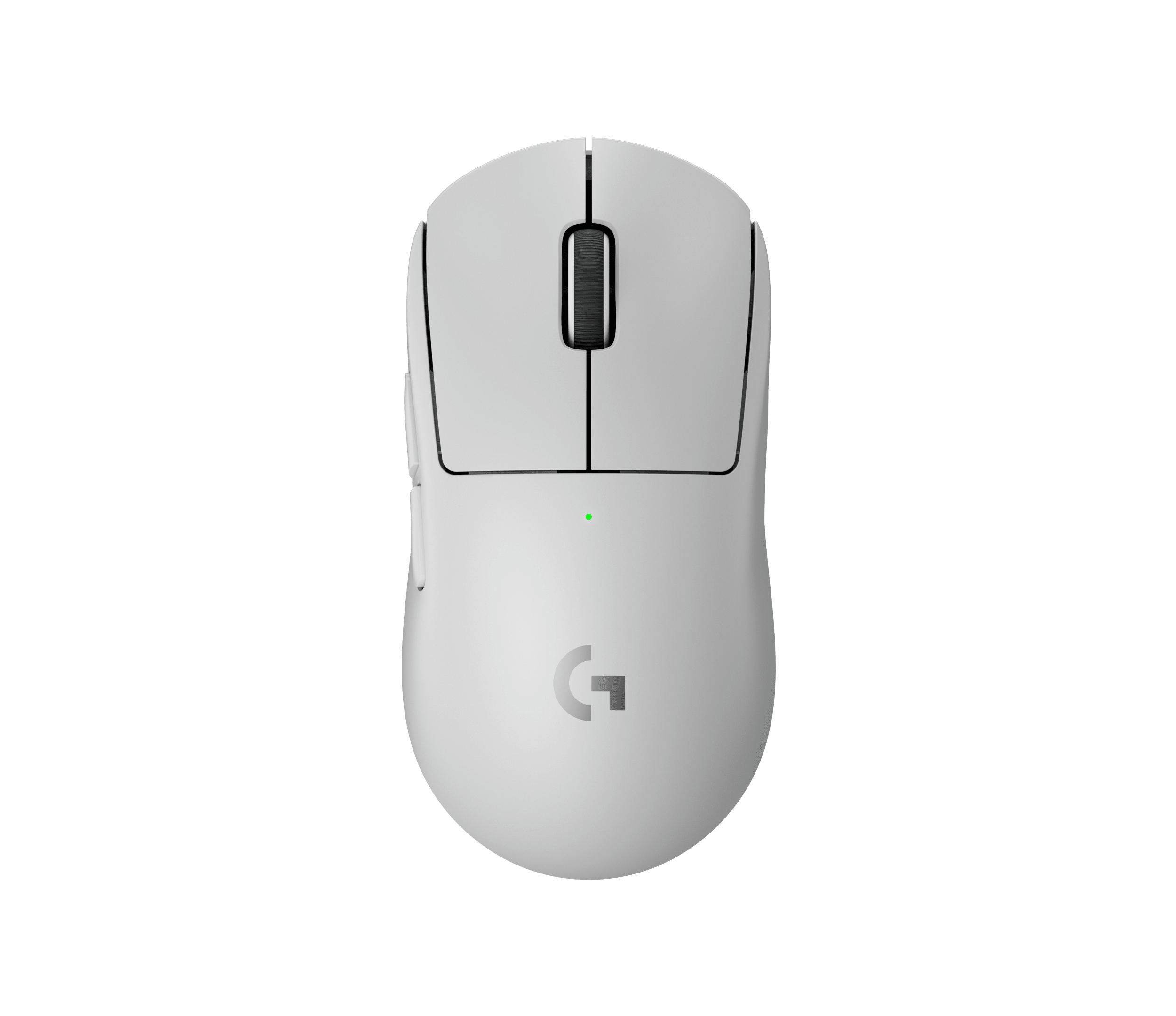
Logitech G Pro X Superlight 2
The most-used wireless mouse in CS2. 60 g, 8 kHz wireless, Hero 2 sensor - palm and relaxed claw. Leads the table by a wide margin.
The most-used wireless mouse in CS2, and the no-overthinking default. At 60 grams with an 8 kHz wireless link (polling rate - how many times per second the mouse reports its position; 1000 Hz is the long-standing baseline, 8000 Hz is the premium tier) and Logitech’s Hero 2 sensor, it suits palm grip and relaxed claw equally well. It leads the table above by a wide margin.
Razer Viper V3 Pro
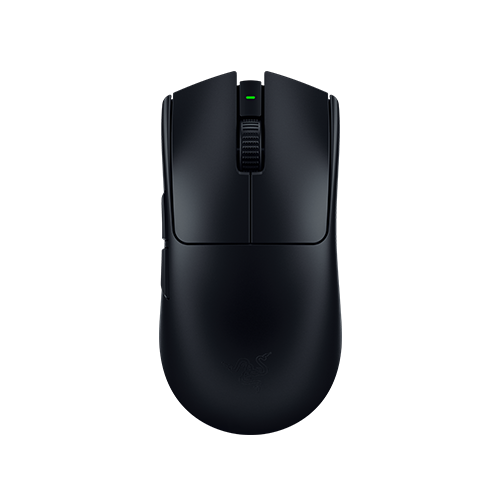
Razer Viper V3 Pro
54 g ambidextrous shape - lighter than the Superlight 2. Same 8 kHz wireless tier, ~95 hours battery. The symmetrical benchmark for claw and fingertip grippers.
The number-two wireless mouse by pro count and the symmetrical-shape benchmark. At 54 grams it is lighter than the Superlight 2, with an ambidextrous shape that claw and fingertip grippers tend to prefer. It runs the same 8 kHz wireless tier and roughly 95 hours of battery. Razer also sells an official CS2 Edition of this exact mouse.
Logitech G Pro X Superlight (original)
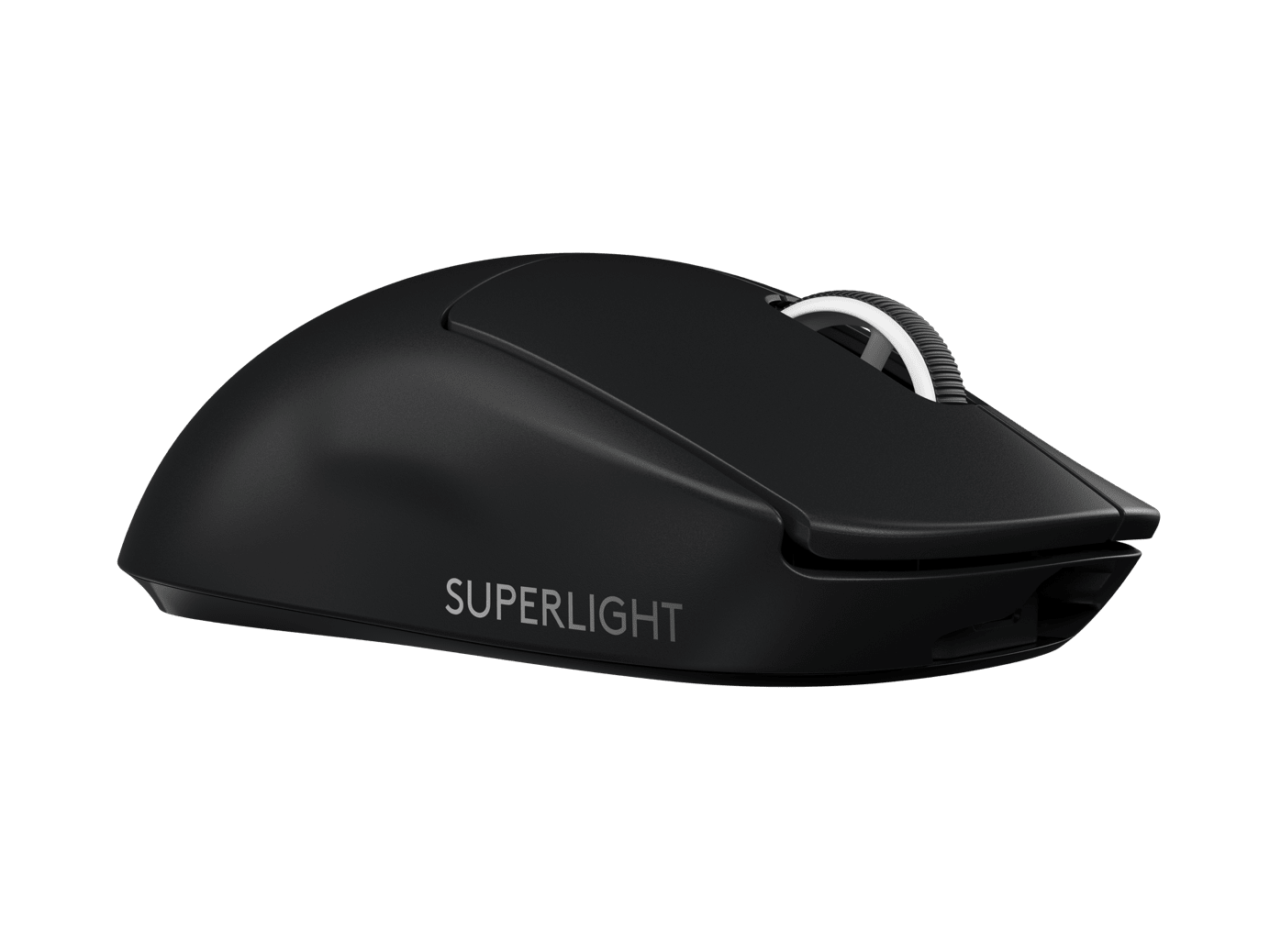
Logitech G Pro X Superlight
Same proven shape as the v2, now cheaper since the successor launched. The best-value entry into a proven wireless shape.
Still one of the most-used mice in the pro field, even with its successor out - and the value route into wireless. The original Superlight is the same proven shape as the v2; the differences are the sensor generation and the polling ceiling (1000 Hz instead of 8 kHz), neither of which most players will notice in-game. Now that the v2 exists, the original has dropped in price.
Razer Viper V2 Pro (budget pick)
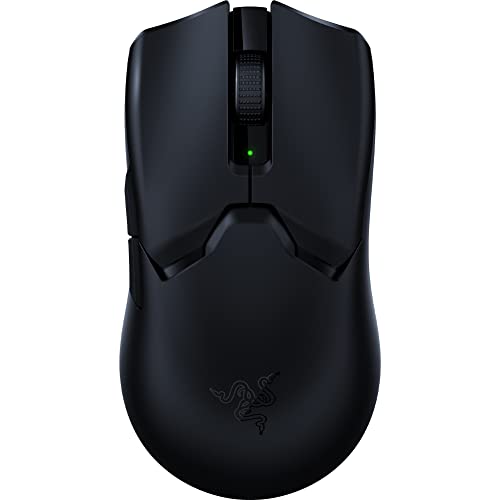
Razer Viper V2 Pro
Previous-generation Viper - same ambidextrous shape as the V3 Pro on 1000 Hz wireless. You're giving up 8 kHz polling and a few grams, not aim.
The previous-generation Viper, and the smart way to get the wireless Viper shape for less. At 58 grams it runs the same ambidextrous shape as the V3 Pro on a 1000 Hz wireless link and a still-excellent sensor. The gap to the V3 Pro is real but narrower than the price difference suggests - you’re giving up 8 kHz polling and a few grams, not aim.
Razer Viper V4 Pro
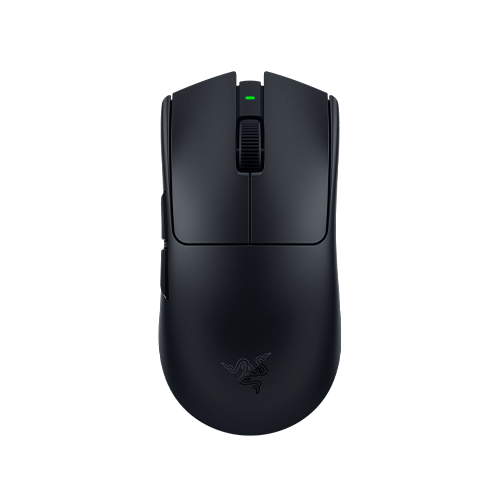
Razer Viper V4 Pro
Current-generation successor - 8 kHz wireless and latest sensor in the established Viper shape. For early adopters who want the newest Viper, not the default recommendation.
The current-generation successor, for players who want the newest hardware. It brings 8 kHz wireless and the latest sensor in the established Viper shape. Pro adoption is still thin in the table above, which is expected - the dataset is a snapshot and a brand-new release hasn’t had time to spread through the field yet. It’s a legitimate upgrade path rather than a proven pick.
ZOWIE EC2-DW
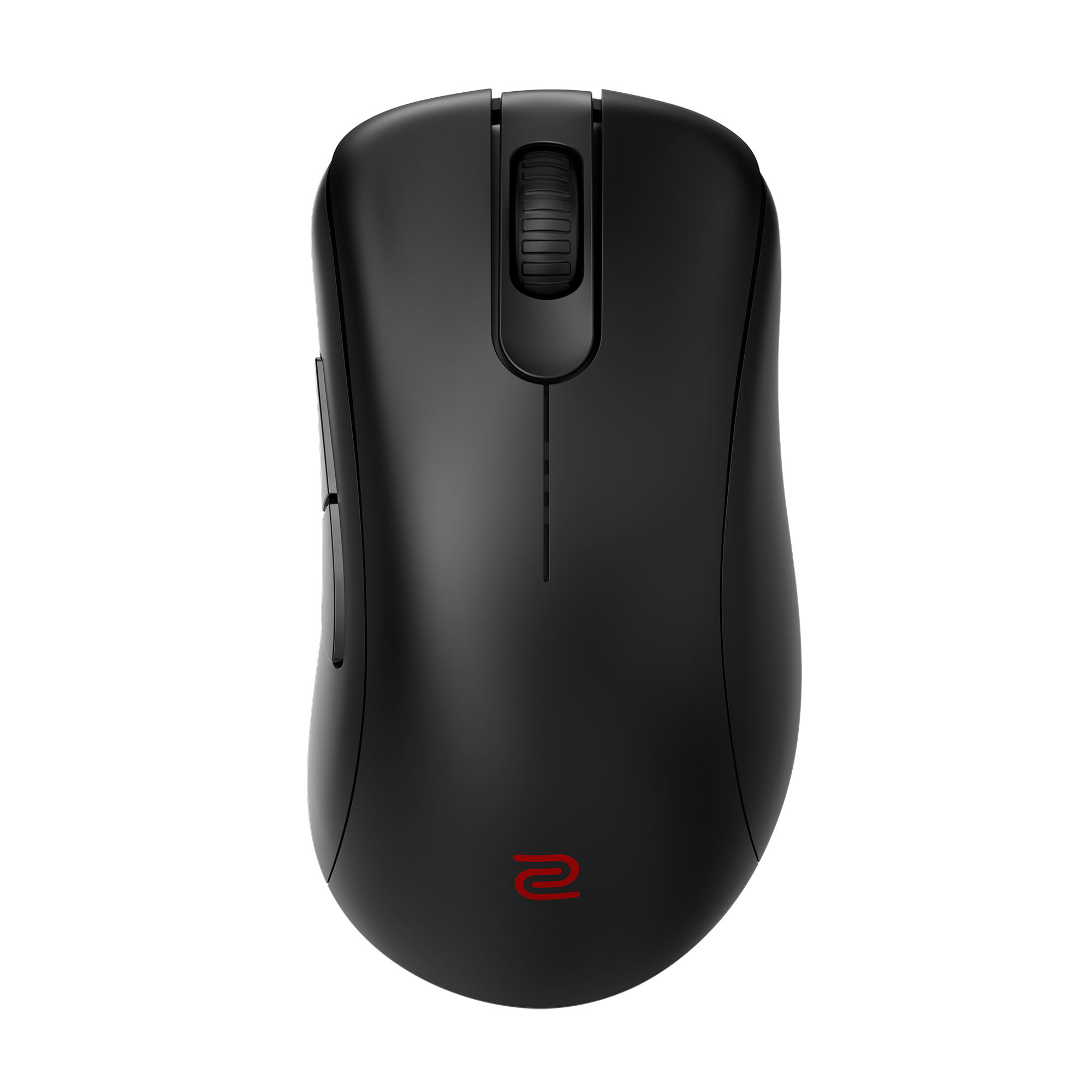
ZOWIE EC2-DW
Wireless pick for ergonomic-shape players who want to stay in the ZOWIE EC lineage. Right-handed shape with the classic high hump in a wireless body.
The wireless pick for ergonomic-shape players who want to stay in the ZOWIE EC lineage. It’s a right-handed shape with the classic high hump that fills the palm, now in a wireless body. It holds a smaller but committed share of the pro field, which is notable for an ergonomic shape in a market that has drifted ambidextrous.
ZOWIE EC2-CW
ZOWIE EC2-CW
Wireless EC ergonomic shape, fully driverless - plug in receiver, set DPI from buttons underneath, no software to install.
The wireless EC for players who refuse software entirely. The EC2-CW brings the EC ergonomic shape into a wireless body, fully driverless - plug in the receiver, set DPI and polling from the buttons underneath, no client to install. It holds a real share of the pro field.
Razer DeathAdder V4 Pro
Razer DeathAdder V4 Pro
56 g right-handed ergonomic shape with ~150 hours battery - the longest-lived mouse in this list. Read usage numbers against the Razer sponsorship caveat.
A strong ergonomic option, but one to read with sponsorship context. It’s a 56-gram right-handed shape with a high hump and roughly 150 hours of battery - the longest-lived mouse in this list. It carries a solid share of the pro field, though Razer’s high-profile partnerships (NiKo being the clearest example) mean some of that adoption is contract-influenced rather than pure preference.
What to Look For in a Wireless Mouse
Most of a wireless mouse spec sheet is noise for CS2. Four things actually move the needle:
- Weight. This is where most pros land under 60–65 grams. Wireless used to mean heavier because of the battery and radio; modern flagships have erased that penalty, so there’s no reason to accept a heavy wireless mouse anymore.
- Battery life. 90 hours is plenty; 150 is generous. Anything in that range means charging is an occasional overnight chore, not a daily interruption. Don’t pay a premium chasing battery numbers past the point where you’d ever notice.
- Polling rate. 1000 Hz is the baseline and is completely fine. 8 kHz is the premium tier and the benefit is marginal - a nice-to-have, not a reason to choose one mouse over another. Note that 8 kHz polling also drains battery faster.
- Sensor and latency. Every current flagship wireless sensor is effectively perfect, and every one has resolved the latency concern that justified wired in 2018. Don’t let sensor marketing or latency fear-mongering decide your purchase - on current hardware, neither is a differentiator.
Grip style still decides which shape fits your hand, but that’s a question this guide shares with the wired field - the full mouse roundup covers grip and shape in depth. Use eDPI (DPI multiplied by in-game sensitivity, the only number that compares fairly across different DPI settings) to dial in your sensitivity once the shape is sorted.
What Pros Use vs What You Should Buy
Pro mouse choices are partly sponsor-influenced. Razer, Logitech, and ZOWIE all run pro teams, so a player’s mouse is sometimes a contract detail as much as a free preference - the DeathAdder V4 Pro section above is the clearest example of where that caveat bites.
The thing that protects you is the count. The top wireless mice in the table above are used by so many pros, across so many different orgs and sponsors, that no single sponsorship explains their dominance - they win on merit. So the safe read is simple: if you buy any of the top wireless picks, you’re buying gear validated by a large, sponsor-diverse chunk of the pro field.
Past that, buy for your hand. A strong ergonomic preference points you to the EC2-DW or the DeathAdder V4 Pro. A preference for flat, ambidextrous shapes points you to a Viper or a Superlight. The dataset tells you what’s proven; your grip tells you which proven option is right for you.
A Note on the Data
These rankings reflect real pro usage, computed at build time from cs2pedia’s dataset of 1,000+ active pro profiles. That’s the whole point of this guide: the numbers are live and sourced from the same database that powers the rest of the site, not a hand-typed list that goes stale the moment a player switches gear. Hardware changes between events, though, and the dataset is a snapshot rather than a live feed - so treat the exact ordering as current-but-not-instant.
If you want to dig further: browse every mouse in the dataset on the mouse gear page or the full gear index, see the underlying usage stats, or check individual player profiles to see exactly who runs what.
For the complete picture including wired options, the full mouse roundup is the place to start, and a mouse is only as good as the surface under it - pair it with the right mousepad and tie the rest together with the setup guide.
Affiliate disclosure: some links on this page are affiliate links, and a purchase may earn cs2pedia a commission at no extra cost to you. This does not influence which products appear or how they are ranked - the rankings reflect real pro usage data, full stop.